Last Updated: July 2026
You’ve seen the ads. “Free government hotspot device.” “Apply today.” “Stay connected at no cost.”
But what does that actually mean in 2026? What do you really get? And is it worth applying?
This guide gives you the straight answers — no hype, no fine print buried at the bottom. Just what you need to know before you apply.
Quick Summary
- The Lifeline Program is still active in 2026 and is the main federal path to a free or discounted hotspot
- Most people get a smartphone with hotspot capability — not a separate standalone device
- A handful of providers still offer dedicated hotspot devices, but they’re harder to come by
- You qualify if your income is low enough, or if you’re already on SNAP, Medicaid, or SSI
- “Unlimited” data almost never means truly unlimited — speed throttling is common
What Is a Government Hotspot Device, Really?
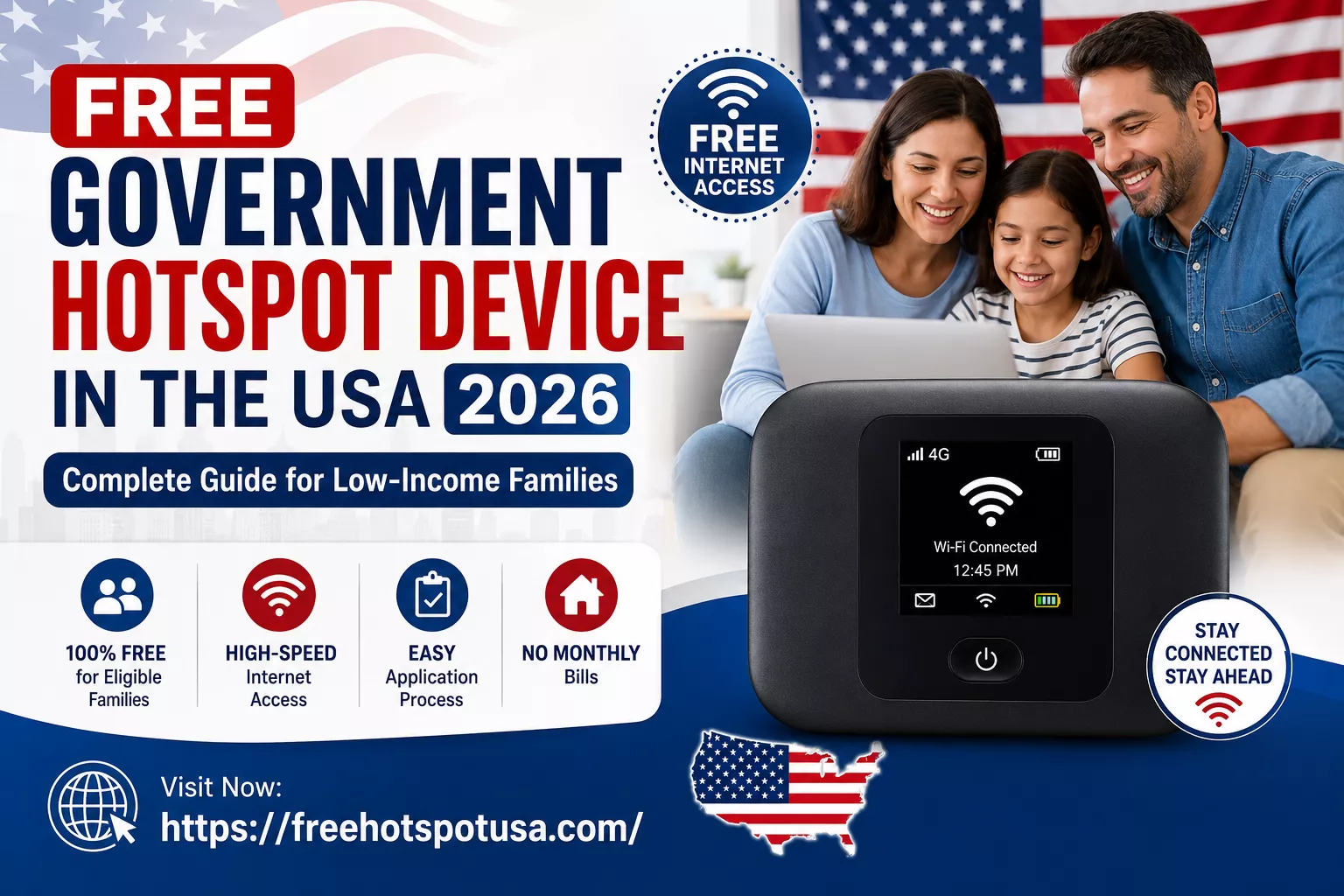
A mobile hotspot is a small device — or a feature built into your smartphone — that converts your cellular data signal into a WiFi connection. Think of it as your own personal WiFi router that you carry in your pocket.
This means you can connect a laptop, tablet, or any WiFi-enabled device to the internet from almost anywhere with mobile coverage — no cable, no fixed internet plan required.
For students doing homework, remote workers on video calls, or families trying to cut monthly bills, a hotspot can genuinely replace a traditional home internet connection for everyday tasks. Whether it works for you depends on how much data you actually need — more on that below.
What Should You Realistically Expect?
This is the part most guides skip over. Here’s the honest picture:
What most people actually receive:
- A free smartphone with hotspot capability built in
- A limited amount of high-speed data each month (not truly unlimited)
- Basic wireless service, with hotspot as an add-on feature
What’s harder to find:
- A dedicated standalone hotspot device (separate from a phone) — these exist, but only through a small number of providers
The difference matters. If you already have a phone and just want a hotspot device for your laptop or tablet, you may need to specifically look for providers like enTouch Wireless that still offer standalone devices.
Who Qualifies in 2026?
You’re likely eligible if either of these fits your situation:
Income-based: Your household income is at or below 135% of the Federal Poverty Guidelines.
Program-based: You or someone in your household receives benefits from any of these:
- SNAP (food stamps / EBT card)
- Medicaid
- Supplemental Security Income (SSI)
- Federal Public Housing Assistance
- Veterans Pension benefits
- Certain Tribal assistance programs
If you’re already on SNAP, Medicaid, or SSI — you most likely qualify automatically. Your benefit card or approval letter is usually enough to prove eligibility without needing to provide separate income documentation.
Providers Worth Comparing in 2026
Not all Lifeline providers are the same. Coverage, device options, and data limits vary significantly depending on where you live.
| Provider | Network | Hotspot Support | Best For |
|---|---|---|---|
| Assurance Wireless | T-Mobile | Limited, select plans | Wide nationwide coverage |
| SafeLink Wireless | Verizon / T-Mobile | Moderate, BYOD option | Coverage flexibility |
| AirTalk Wireless | Multiple networks | Strong on select devices | Device upgrade options |
| TAG Mobile | Regional | Basic | Budget-focused, select states |
| enTouch Wireless | Varies | Standalone hotspot available | People who want a device, not a phone |
Important: Always check a provider’s coverage map for your specific ZIP code before applying. A provider that works great in one city can have weak or no signal just a few miles away.
What Providers Don’t Always Tell You Upfront
Before you apply anywhere, read this section carefully.
“Unlimited” almost never means unlimited. Most plans throttle your speed after you hit a monthly high-speed data threshold — sometimes as low as a few gigabytes. After that, speeds drop significantly, often making video streaming or video calls difficult.
Hotspot can be disabled on some free phones. A number of smartphones provided through these programs come with the hotspot feature turned off entirely. Before accepting a device, confirm whether hotspot is enabled.
Rural coverage is hit or miss. The network your provider uses (T-Mobile, Verizon, etc.) matters more than the provider’s brand name. Check the underlying network’s coverage map for your area specifically.
Video may be deprioritized. On busy networks, video streaming quality can drop even before you hit your data cap — especially during peak hours.
Spending five minutes reading a provider’s terms before applying is worth it.
How to Apply: Step by Step
Step 1 — Compare 2-3 providers in your state. Don’t just go with the first one you find. Check data limits, hotspot availability, the underlying network, and device options.
Step 2 — Gather your documents. You’ll typically need a government-issued photo ID, proof of address, and either proof of income or proof of program enrollment (SNAP card, Medicaid letter, etc.).
Step 3 — Apply online. Most providers have a fully online application. You can also pre-check your eligibility at checklifeline.org, the official Lifeline National Verifier.
Step 4 — Wait for your device. After approval, most providers ship within 7–10 business days, though this varies by provider and local demand.
Which Option Is Best for Your Situation?
Students — Focus on stable monthly data and reliable coverage near where you live or study. Video calls and assignment uploads add up faster than browsing.
Remote workers — Prioritize providers with higher data caps and stronger network coverage. Cloud uploads and video conferencing are data-heavy.
Rural households — Coverage maps matter most here. Verizon-based networks often reach further in rural areas, but check your specific ZIP code — there’s no universal answer.
Families with multiple devices — Look for a device or plan that supports multiple simultaneous connections. Some basic plans only support one or two devices at a time.
You can see: SNAP & Lifeline Income Limits 2026: Do You Qualify? (Full Chart)
Can a Hotspot Replace Home Internet?
For light-to-moderate use — email, browsing, video calls, and online classes — a government hotspot can genuinely work as a primary internet connection.
For heavier use — 4K streaming, large file downloads, gaming, or households with many simultaneous users — you’ll likely hit data limits quickly. In that case, a hotspot works better as a backup rather than a full replacement for fixed broadband.
Not sure which applies to you? Think about how you use your current connection on a typical day. If it’s mostly browsing and streaming one screen at a time, a hotspot is likely enough.
Avoiding Scams
Legitimate Lifeline providers verify your eligibility through official government channels — they never ask for payment upfront for a “guaranteed” device. If a site asks you to pay before verifying eligibility, it’s a scam. Stick to providers listed on the official USAC website at lifelinesupport.org.
Need Free WiFi While You’re Out?
A government hotspot covers you at home or on the go — but if you’re looking for free public WiFi locations while you’re out, check out our guide on free WiFi hotspot locations across the USA for the best spots by city, chain, and type.
Frequently Asked Questions
Is the Lifeline Program still running in 2026? Yes. The Affordable Connectivity Program (ACP) ended in 2024, but the Lifeline Program continues to operate and remains the main federal source of free or discounted phone and hotspot service.
Can I get a standalone hotspot device instead of a phone? Possible, but limited. enTouch Wireless is one of the few providers still offering dedicated portable hotspot devices rather than just smartphones. Availability depends on your state.
Will my hotspot data actually be unlimited? Rarely in practice. Even plans marketed as “unlimited” typically reduce speeds after a certain monthly threshold. Check the provider’s fine print before applying.
Can seniors qualify? Yes — age isn’t a factor. Seniors qualify the same way as anyone else: through income level or enrollment in a qualifying program like Medicaid or SSI.
Is a hotspot good enough for online classes? For most coursework — yes. Video lessons, research, and assignment uploads work fine on an adequate data plan. Just monitor your monthly usage to avoid hitting the throttle threshold mid-month.
What happens if I move to a different state? Lifeline benefits are transferable, but you may need to switch providers if your current one doesn’t have coverage in your new location. Contact your provider before moving.
Final Thoughts
A free government hotspot device in 2026 is a real option — not just an ad. The Lifeline Program has been running for decades and continues to help millions of low-income households stay connected. The key is going in with realistic expectations: most people get a smartphone with hotspot capability, data isn’t truly unlimited, and coverage varies by location.
Take ten minutes to compare two or three providers available in your ZIP code, read the data limits carefully, and you’ll be in a much better position than most applicants.
This article is independently researched and is not affiliated with the FCC, USAC, the Lifeline program, or any provider mentioned. Program rules and provider offerings can change — always verify current details at fcc.gov, lifelinesupport.org, or directly with the provider before applying.

Hotspot Research Team covers free and low-cost internet assistance programs across the United States, including Lifeline, government-supported hotspot devices, and related benefits like SNAP, Medicaid, and SSI. The team focuses on researching official government sources and verified provider information to deliver clear, accurate, and up-to-date guidance for low-income households, students, and remote workers seeking affordable connectivity. Every article is reviewed and updated regularly to reflect current eligibility rules and program changes.